AI Drawing Tool
Sketch on a digital canvas and turn your drawings into polished artwork — powered by AI.
Start Drawing Now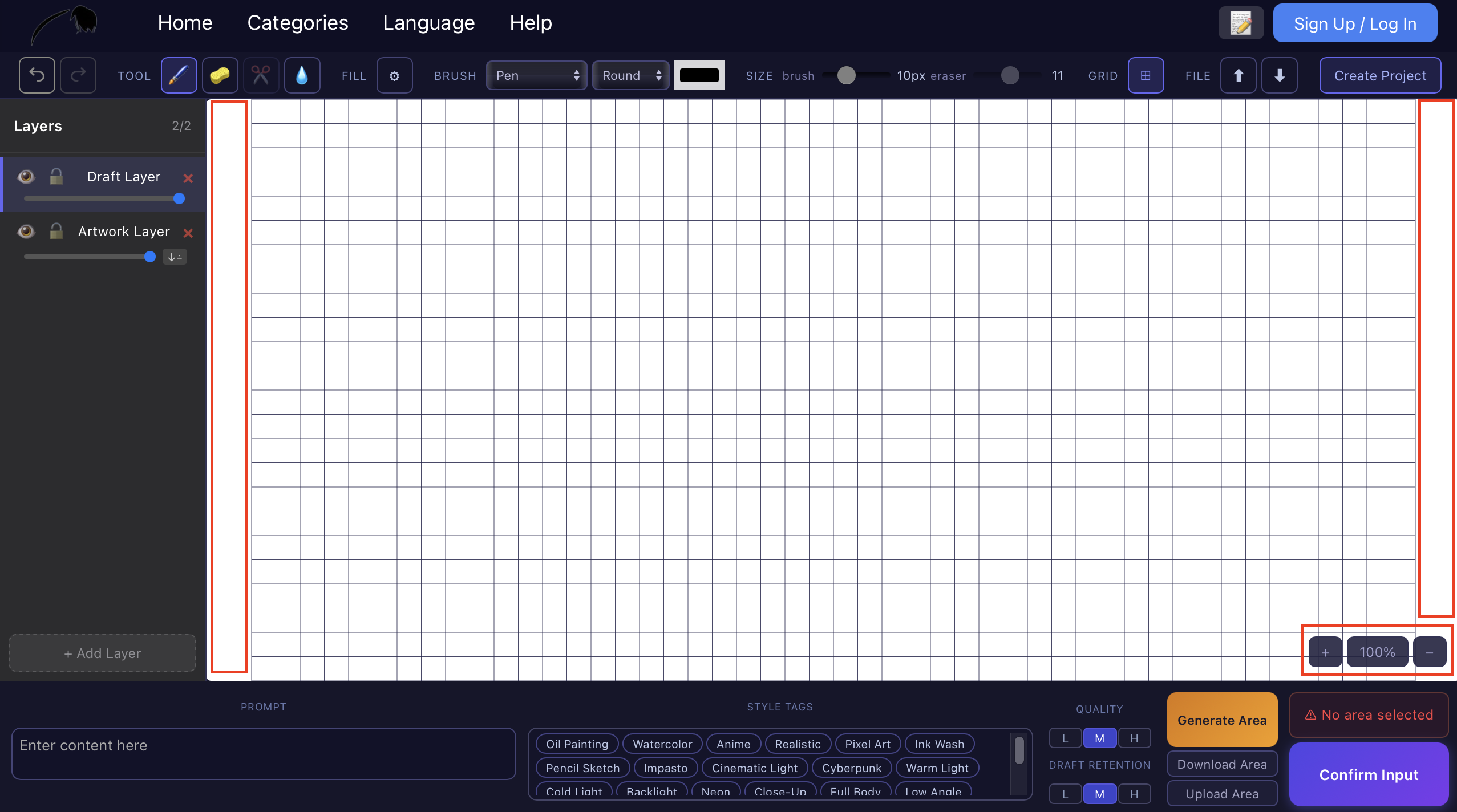
What Is AI Drawing?
AI drawing combines traditional digital sketching with artificial intelligence. You draw on a canvas — lines, shapes, colors — and AI interprets your intent to enhance or transform your work. Unlike text-to-image generators that start from a prompt, AI drawing keeps you in control of composition, letting the AI fill in details, lighting, and texture.
With an AI drawing tool like VividDraw, you can sketch rough outlines and get polished results in seconds. It is ideal for concept artists, illustrators, designers, and anyone who wants to create digital art without spending hours on manual rendering.
How VividDraw Works
VividDraw is a web-based AI drawing canvas. No downloads, no installations — just open your browser and start creating.
Draw Freely
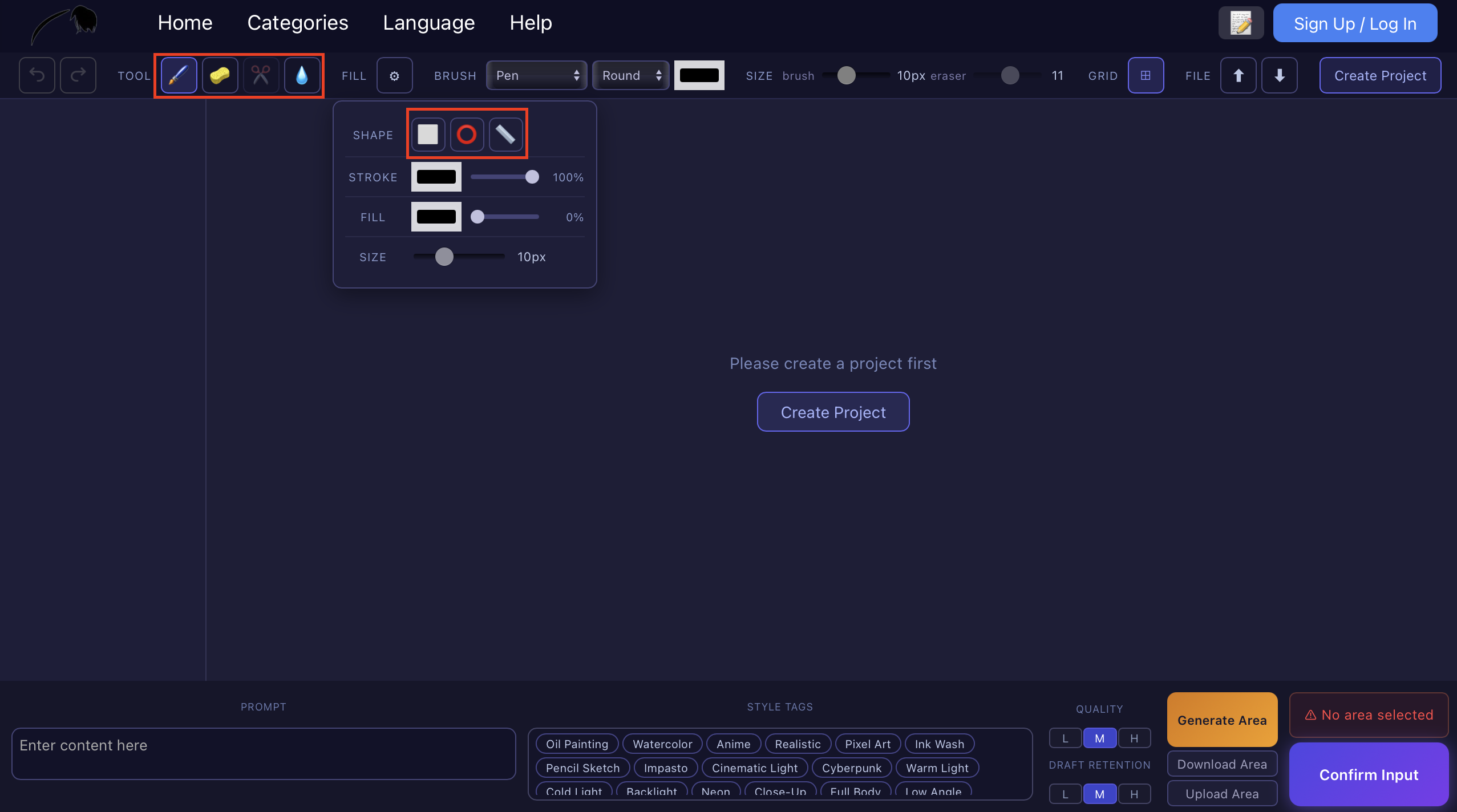
Use brush, pen, and shape tools on a full digital canvas. Sketch anything from simple outlines to detailed compositions.
AI Enhancement
Select a region and let AI transform your sketch. FLUX Fill inpainting fills in details while preserving your original structure.
Multi-Layer Support
Add, reorder, hide, and merge layers. Separate your sketch, reference images, and AI results for non-destructive editing.
Reference Images
Upload a reference photo and sketch over it. AI uses the reference to guide style, lighting, and composition.
Style Control
Add style tags like "watercolor," "oil painting," or "anime" to control the final look of your AI-generated artwork.
Share & Community
Publish your work to the VividDraw gallery, get likes and comments, and discover artwork from other creators.
Why Choose VividDraw for AI Drawing?
Most AI image generators are text-based — you describe an image and hope for the best. VividDraw is different. It gives you a real drawing canvas where you control every element. AI augments your creativity rather than replacing it.
- Preserve your sketch structure: Adjust how much of your original drawing the AI keeps — from full preservation to complete regeneration.
- Edit specific areas: Use selection tools to inpaint only part of your image, leaving the rest untouched.
- Work iteratively: Draw, AI-generate, refine, and repeat. Each generation builds on the previous result.
- No sign-up required: Start drawing immediately. Save your work when you are ready.
Frequently Asked Questions
What is AI drawing?
AI drawing uses artificial intelligence to help you create digital artwork. You sketch on a canvas, and the AI enhances or transforms your drawing into a polished image. Unlike text-to-image tools, AI drawing keeps you in control of composition and details.
Is VividDraw free to use?
Yes. VividDraw offers a free tier with daily usage credits. You can draw, generate AI images, and publish to the gallery without paying. Additional credits are available for heavy users.
Can I use reference images when drawing?
Absolutely. Upload any image as a reference layer and sketch on top of it. The AI can use the reference to guide the style, colors, and composition of the generated result.
Does VividDraw support layers?
Yes. VividDraw has full multi-layer support. You can add new layers, reorder them, adjust opacity, hide them, and merge them — just like in professional drawing software.
What is the difference between AI drawing and AI image generation?
AI drawing starts from your sketch or input and uses AI to enhance it. AI image generation typically starts from a text prompt and creates an entire image from scratch. VividDraw supports both approaches, but its core strength is AI-powered drawing with user control.
Ready to Start Drawing?
Open VividDraw in your browser and create your first AI drawing — no downloads, no sign-up required.
Start Drawing Now